automate your deepwork
my custom script to automate deep work sessions
the idea
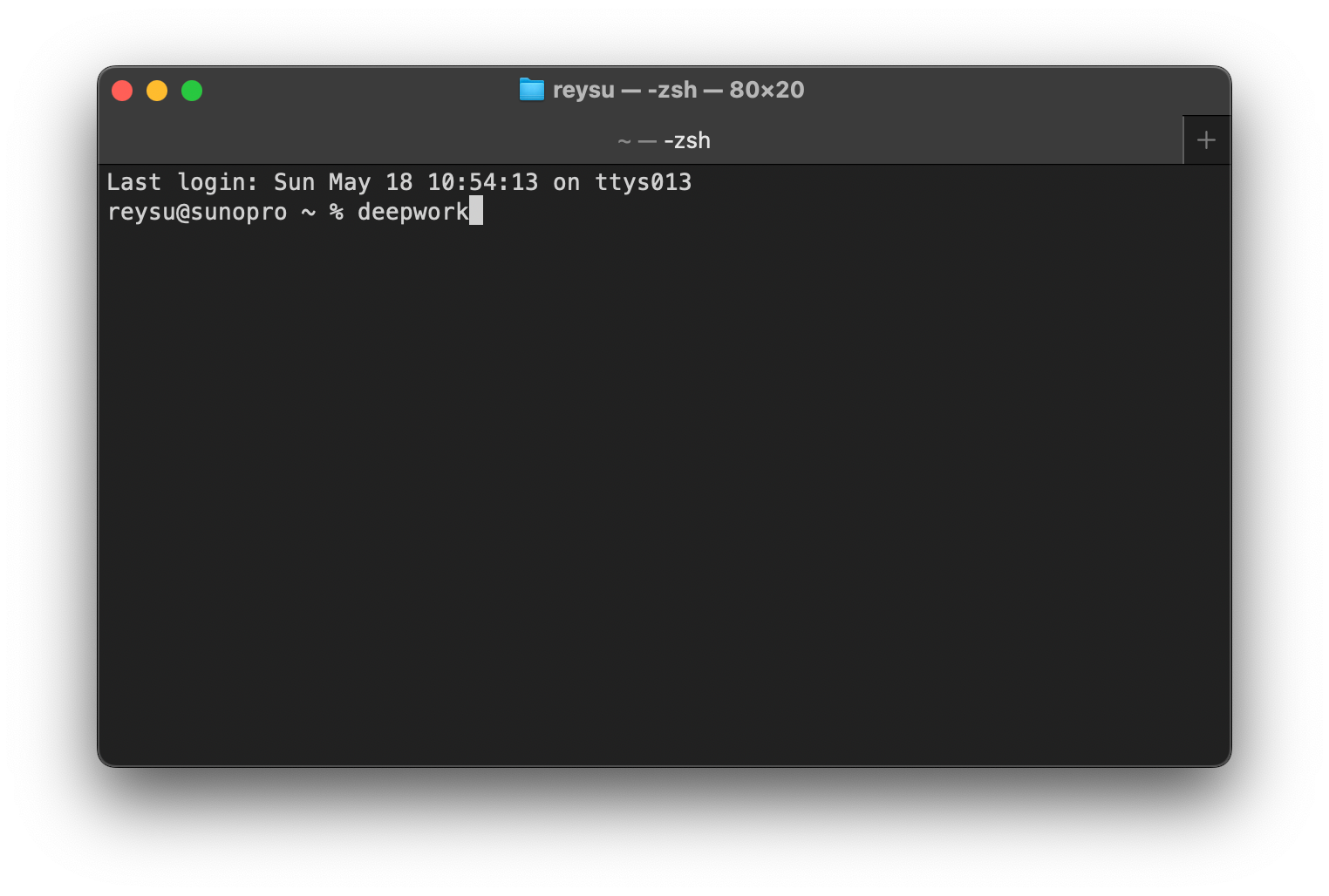
I like things to be frictionless. Instead of manually setting up Cold Turkey blocks and timers every time I want to focus, I created a single terminal command that does everything at once.
Type deepwork in your terminal and it handles the rest.
how it works
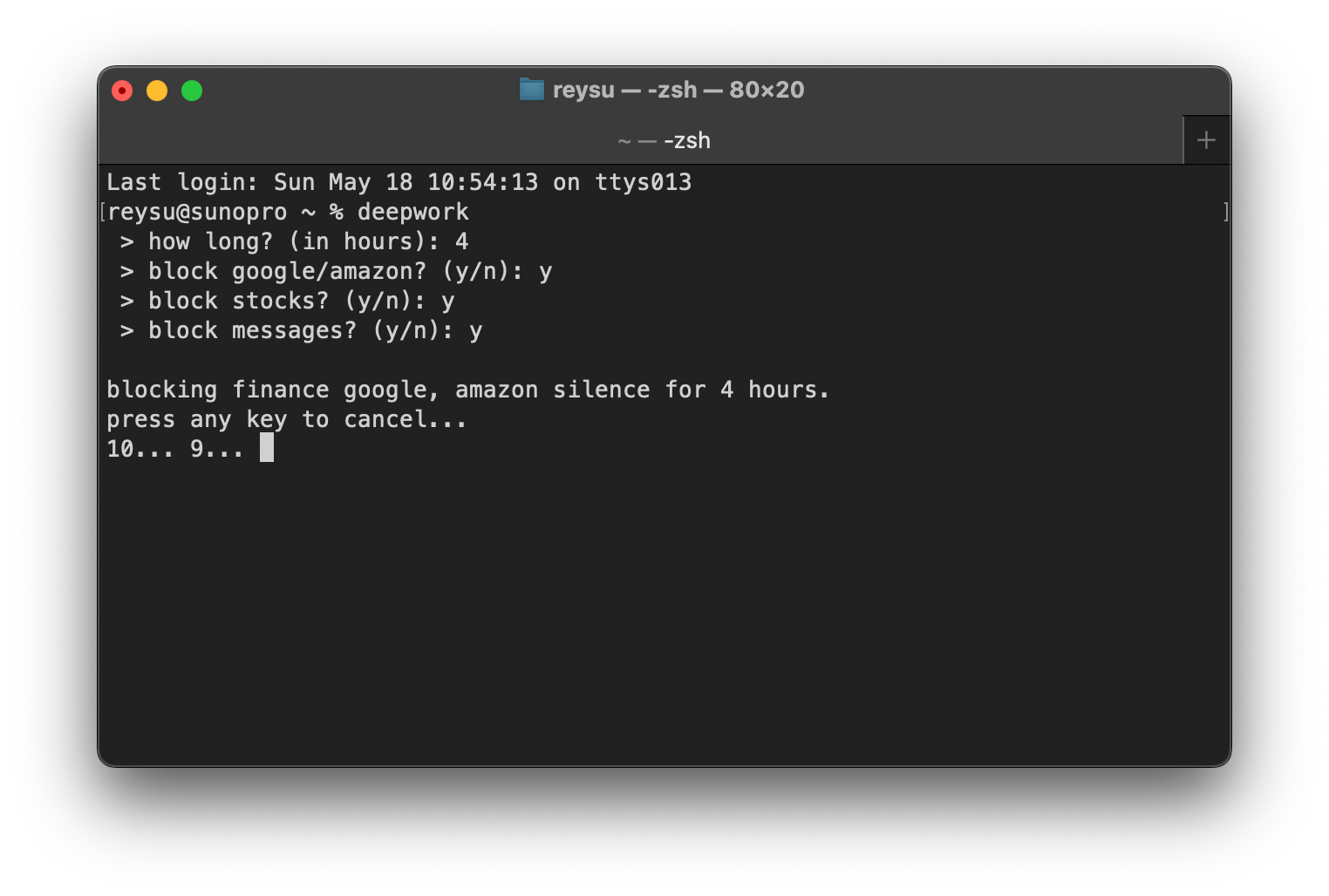
- Input — you answer three quick questions: how long, and which categories to block
- Confirmation — the system shows your selections with a 10-second countdown to cancel
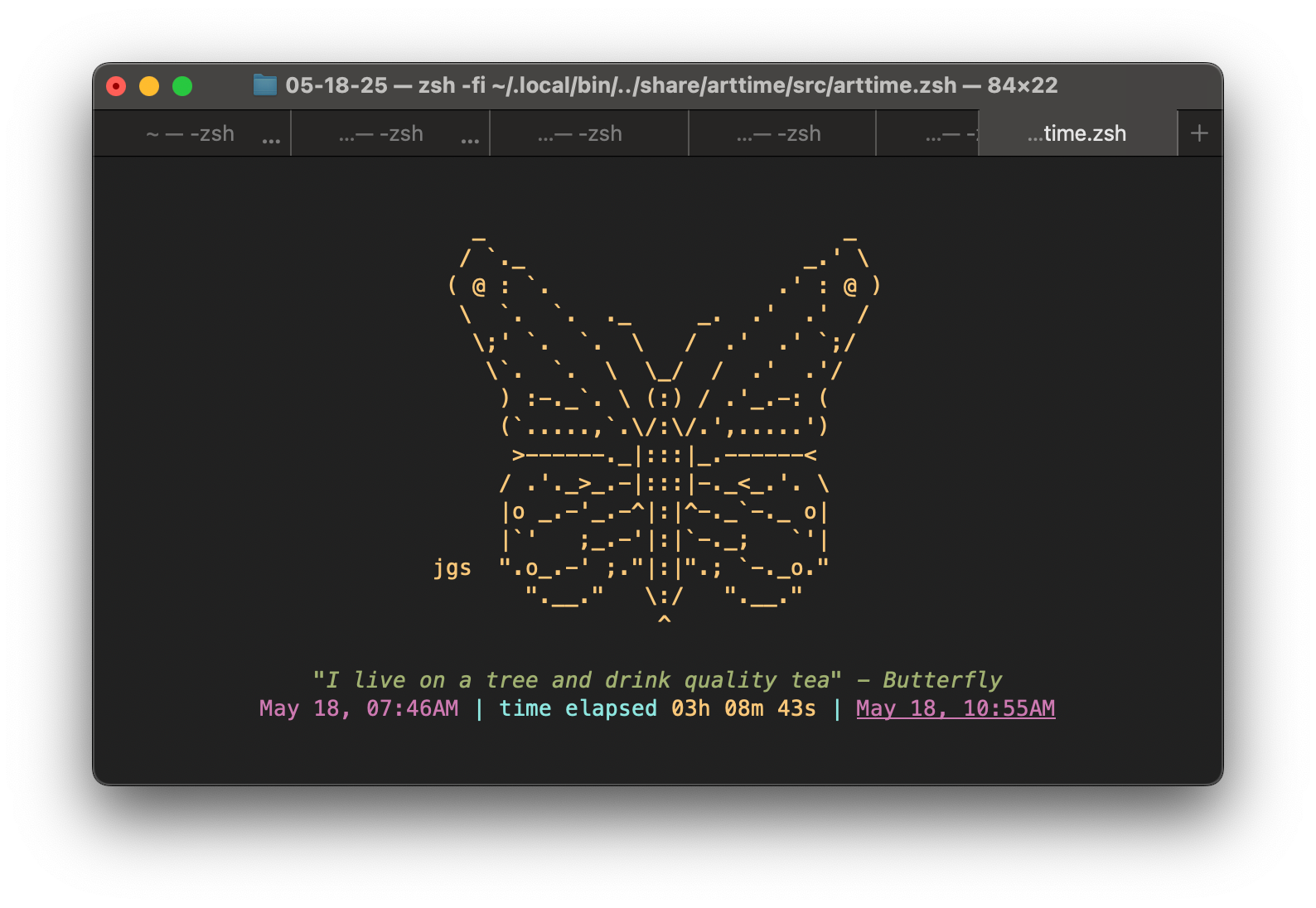
- Execution — ASCII art displays with a countdown timer, and blocks automatically unlock when the timer completes
requirements
- Cold Turkey Pro — website blocking application (getcoldturkey.com)
- Arttime — ASCII art timer for the terminal
- Terminal (macOS)
Install arttime via Homebrew:
brew install arttimesetup instructions
step 1 — install cold turkey pro and arttime
Make sure both applications are installed and working. Cold Turkey Pro (paid version) is required for the command-line lock feature.
step 2 — open your shell config
Open terminal and edit your shell configuration:
nano ~/.zshrcstep 3 — configure your blocklists
In Cold Turkey Pro, create blocklists with these names (or customize to your preference):
finance— stocks, crypto, financial newsgoogle, amazon— shopping and browsing distractionssilence— messaging apps (Slack, Discord, etc.)
step 4 — paste the bash function
Add this function to your .zshrc:
deepwork() {
  read "hours? > how long? (in hours): "
  read "google_amazon? > block google/amazon? (y/n): "
  read "stocks? > block stocks? (y/n): "
  read "messages? > block messages? (y/n): "

  minutes=$((hours * 60))
  blocker="/Applications/Cold Turkey Blocker.app/Contents/MacOS/Cold Turkey Blocker"

  to_block=()
  [[ "$stocks" == "y" ]] && to_block+=("finance")
  [[ "$google_amazon" == "y" ]] && to_block+=("google, amazon")
  [[ "$messages" == "y" ]] && to_block+=("silence")

  echo ""
  echo "blocking ${to_block[*]} for $hours hours."
  echo "press any key to cancel..."

  for i in {10..1}; do
    echo -n "$i... "
    read -t 1 -n 1 key && { echo "cancelled."; return; }
  done

  echo ""

  [[ "$stocks" == "y" ]] && "$blocker" -start "finance" -lock "$minutes"
  [[ "$google_amazon" == "y" ]] && "$blocker" -start "google, amazon" -lock "$minutes"
  [[ "$messages" == "y" ]] && "$blocker" -start "silence" -lock "$minutes"

  ~/.local/bin/arttime --nolearn -a butterfly -t "deep work time – blocking distractions" -g "${hours}h"
}
Customize the blocklist names (finance, google, amazon, silence) to match whatever you named your Cold Turkey blocklists in step 3.
step 5 — save and reload
Save and exit the editor (Ctrl+X, Y, Enter), then reload your shell:
source ~/.zshrcstep 6 — run it
Start a deep work session:
deepworkfuture enhancement
Add a soundtrack that plays automatically when you start a session — lo-fi beats, brown noise, or whatever helps you focus.